Google clone using HTML and CSS
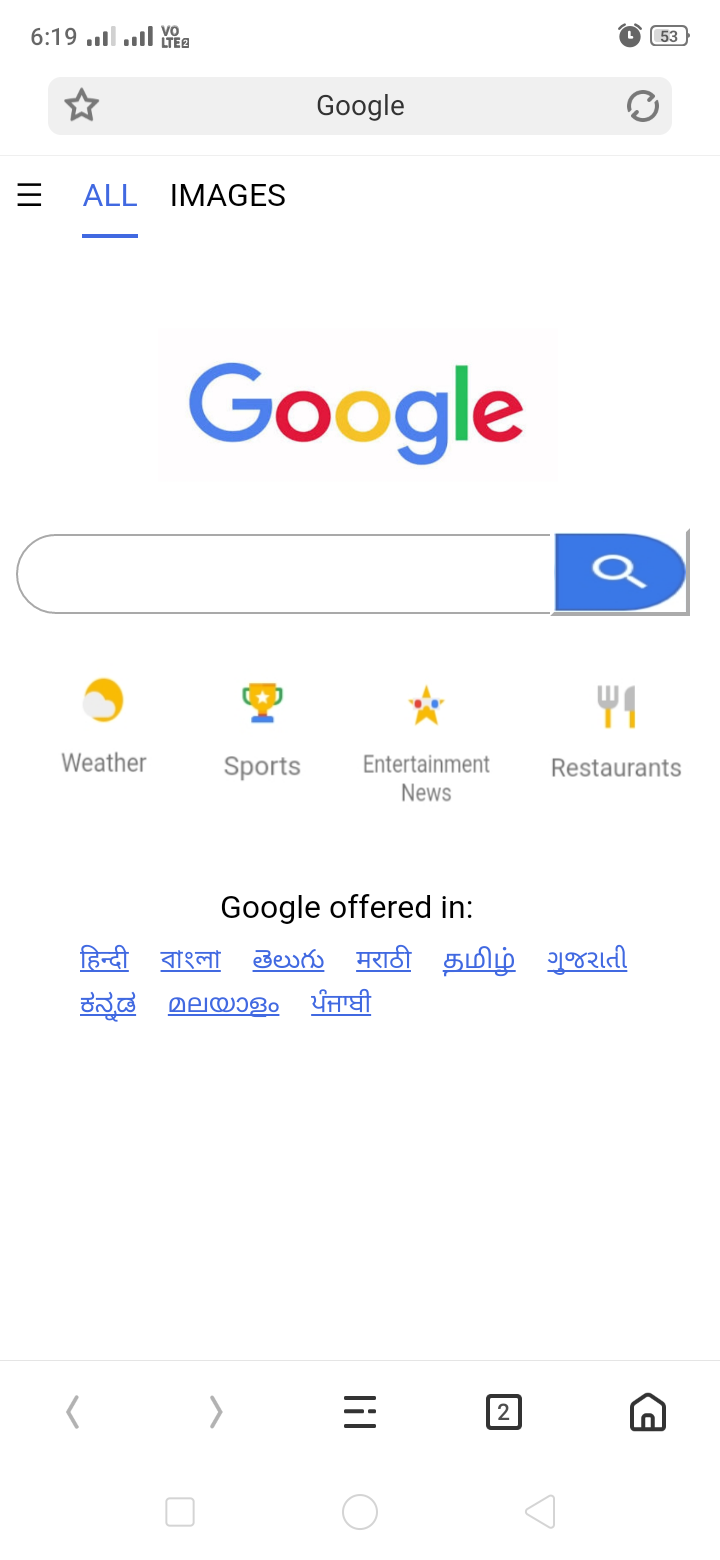
Program : <html> <!--head section start--> <head> <title>Google</title> <style> span{border-bottom:2px solid royalblue; color:royalblue; border-padding:60px; padding-bottom:10px; } img{position:absolute; left:79px; top:85px; } input{position:absolute; top:189px; height:40px; width:80%; border-radius:80px; border-width:1px; border-style:solid; border-color:darkgray; } .button{background-image:url(/storage/emulated/0/aap/search.jpg); background-size:100% 100%; height:44px; width:70px; position:absolute; top:186px; left:275px; border-color:white; } .button1{background-image:url(/storage/emulated/0/aap/Weather.jpg); position:absolute; top:242px; height:100px; width:100px; background-size:100% 100%; border-color:transparent; } .button2{background-image:url(/storage/emulated/0/aap/Sports.jpg); position:absolute; top:237px; left:80px; height:100px; width:100px; background-size:100% 100%; border-color:transparent; } .button3{background-image:url(/storag...
